How to Turn YouTube Videos into SEO Blog Posts: A Complete Guide
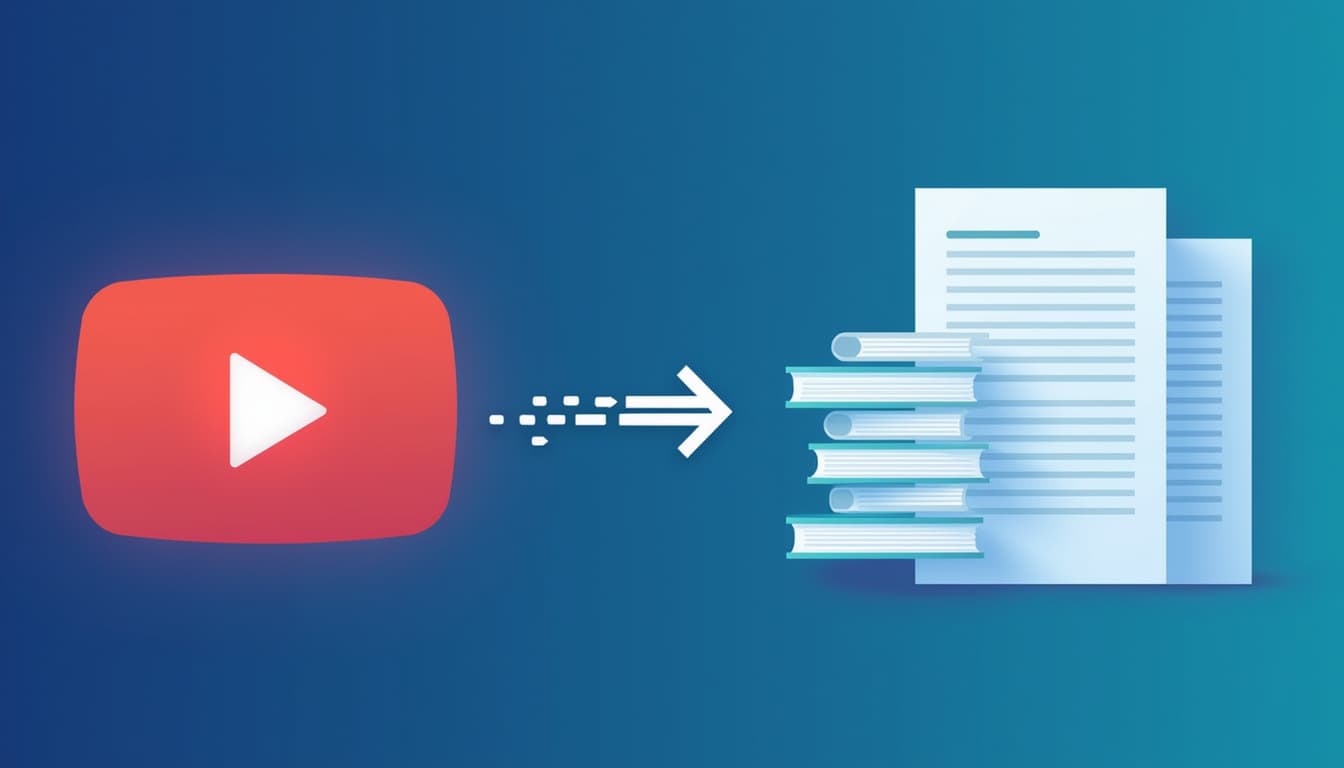
You already did the hard part. You researched a topic, filmed a video, and published it to YouTube. But once the initial wave of views fades, that content mostly stops working for you. A blog post built from the same material behaves completely differently: it can rank in Google for years and pull in readers who would never have found your channel.
This guide walks through a repeatable workflow for turning any YouTube video into an SEO-friendly blog post — the same process that powers tools like ExactPages, broken down so you understand every step.
Why repurpose video into text at all?
Video and written content reach people in fundamentally different ways. YouTube is a discovery and entertainment platform; Google Search is an intent platform. When someone types "how to fix a leaking tap" into Google, they usually want a page they can skim, not a ten-minute video they have to scrub through.
- Search coverage: A blog post can rank for dozens of long-tail queries a video never surfaces for.
- Accessibility: Text is skimmable, translatable, and readable in situations where audio isn't practical.
- Compounding traffic: Unlike a video that peaks in its first week, a well-optimized article tends to grow its traffic over months.
- Zero extra research: The thinking is already done — you're changing the format, not the substance.
Step 1: Get an accurate transcript
Everything starts with the words that were actually spoken. You have two reliable options:
- Use the video's existing captions. If a video has subtitles (creator-uploaded or auto-generated), you can extract that transcript directly. It's fast and free.
- Transcribe the audio. When no usable captions exist, an automatic speech-to-text model such as Whisper can generate a clean transcript from the audio track.
A good workflow tries captions first and only falls back to full transcription when it has to — that keeps things fast for the majority of videos while still handling the ones without subtitles.
Step 2: Turn the transcript into structure
A raw transcript is not an article. Spoken language rambles, repeats, and lacks headings. The goal of this step is to impose the structure a reader expects:
- A clear H1 title that targets a real search query.
- H2 and H3 subheadings that break the piece into scannable sections.
- Short paragraphs, bulleted lists, and bolded key phrases.
- A concise introduction and a takeaway-focused conclusion.
This is where large language models shine. Feeding a transcript to an AI model with clear instructions — "rewrite this as a structured, original blog article in semantic HTML" — produces a first draft that already reads like a web page rather than a speech.
Step 3: Optimize for search intent
Structure alone won't rank. Before you publish, tighten the SEO fundamentals:
- Pick one primary keyword. Choose the phrase a reader would actually type, and make sure it appears in the title, the first paragraph, and at least one subheading.
- Write a compelling meta title and description. Keep the title under about 60 characters and the description under 155. These are your ad copy in the search results.
- Add internal links. Link the new post to related articles on your site so search engines understand how your content connects.
- Include an image with descriptive alt text. A featured image improves engagement and gives you another ranking surface.
Step 4: Edit for accuracy and voice
AI-assisted drafts are a starting point, not a finished product. Read the draft against the original video and check three things:
- Factual accuracy — models occasionally smooth over or misstate details.
- Your voice — adjust phrasing so it sounds like you, not a generic template.
- Added value — a screenshot, a link to a source, or a short personal note turns a transcript rewrite into something genuinely worth ranking.
Step 5: Publish, link, and index
Once the post is live, help search engines find it. Make sure it's included in your XML sitemap, add a link to it from your video description, and mention it in your next newsletter. These early signals speed up indexing and give the page its first visitors.
Putting it on autopilot
Done manually, this process takes an hour or two per video. That's exactly the kind of repetitive workflow worth automating. Platforms like ExactPages chain these steps together — pull the transcript, generate a structured draft, add SEO metadata and images — so you can convert a backlog of videos into a library of blog posts in a fraction of the time, then spend your energy on the editing that actually moves the needle. To squeeze even more from each video, see our content repurposing strategy.
The takeaway is simple: your videos already contain publishable, rank-worthy content. Repurposing them isn't creating more work — it's finally getting full value from work you've already done.